In this Lunch & Learn session, delivered on February 10, 2026, we focused on setting up a free Google Business Profile so customers can find you on Google Search and Maps, exploring current social media trends, finding out whether hashtags still matter, and discovering tools for content creation and graphics management, and more.
PRESENTATION SLIDES
VIDEO RECORDING
In this Lunch & Learn session, delivered on January 6, 2026, we focused on new and innovative AI tools, advancements in assistants like ChatGPT, Copilot, and Gemini, tips on how to apply AI in your daily work, experimenting with prompts, and more.
PRESENTATION SLIDES
VIDEO RECORDING
What is a personal learning network?
Personal Learning Networks are formal and informal networks of people with similar goals and interests who interact using digital tools to share information, learn from each other, problem solve and collaborate.
Personal Learning Networks are curated lifelong learning opportunities for professional development. They support practitioners who want to activate their intellectual curiosity in the company of others in a world of rapidly changing information.
Why do I need a personal learning network?
- Diversity matters: personal learning networks create space for a variety of experiences and perspectives and can help us find interesting ways to innovate in our practice.
- Teaching can be isolating: personal learning networks help educators to escape the isolation that can become part of the profession.
- Connect anytime, anywhere: a virtual personal learning network can help you overcome networking barriers related to time, place, and distance.
- Opportunities to reflect: online discussion forums, blogs, and courses can prompt you to reflect more regularly on your teaching practice.
- Finding information or support: as a seeker of information, your personal learning network can help you solve challenges, learn about how other practitioners are applying methodologies and resources, and find mentors who might not be available locally.
- Sharing your expertise and ideas: as a creator of information, you can help others by talking about your experiences, interesting experiments and what you are researching. Participating in virtual discussions, workshops and courses helps others get to know you and benefit from your professional wisdom.
How can I get started?
Here are some ways to get started building a personal learning network that meets your own specific needs.
Open the PDF

This resource from AlphaPlus was created by Tracey Mollins after a workshop series called Maximize your limited time for PD with a personal learning plan.
Happy December!
Here are some activities that you can do with learners before or after the winter break: Winter Break Activities from AlphaPlus
Plus one Christmassy activity for those who celebrate.
New for 2025!
What makes you feel cozy in the winter?
What are your favourite comforts?
Learn about comfort foods and one of the most famous food and memory stories. The story is the from a book by Marcel Proust.
Proust writes about eating some tea cakes called madeleines and how the smell of the cakes takes him back to the days of his childhood.
This is now sometimes called the Proust Effect, The Proust Phenomenon or the Madeleine Effect.
In this activity you can
- discuss comfort foods and other things that make us feel safe and cozy
- learn about the Proust effect
- think about good writing
- watch videos
- and, if you like, write a story.
Winter Break Plans, Poems and Songs
Winter Break is a drag-and-drop and Answer Garden conversation starter where learners can think about what they will do on the break.
Winter Poem is a poetry activity based on the poem Dust of Snow by Robert Frost. Learners can read and listen to the poem and then examine the rhyming pattern (ABAB). They can then compare that rhyming pattern with the rhyming pattern in Catch a Little Rhyme by Eve Merriam (AABB).
Christmas Songs is an advent calendar of Christmas songs. You can see the whole playlist and links to the lyrics or play the songs one by one and look them up. If you want to make your own calendar, contact Tracey.
Winter Solstice Stories and Activities
Start by watching a video overview about the Winter Solstice and then watch these two videos:
- Author and Journalist Waubgeshig Rice from Wasauksing First Nation shares the importance of winter solstice as a time of change and storytelling for indigenous peoples.
- Wilfred Buck of the Opaskwayak Cree Nation in Manitoba sharing the Cree story of the winter solstice.
After the introduction, you will have a choice to
- Learn about Cree Astronomy from Wilfred Buck and make a Turtle Calendar based on the 13 Moons.
- Go to the Winter Animals activity and hear stories about animals (see below).
- Plan a Winter Solstice Party.
- Make a twig lantern or a jam jar lantern for a lantern walk.
- Make clove orange decorations.
- Make a warm, spicy drink.
- Make a winter playlist.
Winter Animal Songs and Stories
Winter Animals is made in Google Slides and gives learners a choice of stories or songs to listen to:
- Deer: A song called Deer Dancing Round a Broken Mirror by Bruce Cockburn and Rik Emmet.
- Owl: A TVO short about Kenojuak Ashevak and her painting, The Enchanted Owl.
- Raven: The Raven and the Owl, an Inuit legend put to song. There are two versions: one by The National Film Board of Canada and one by Becky Han.
- Fox: The Fox and the Whale, a 2016 Canadian animated short film directed by Robin Joseph.
- Skater: a 1980 animated film from the National Film Board of Canada narrated by the author of the story, Roch Carrier. There is a link to a 2023 riff on this story called the Hockey Jersey.
There are follow up activities in a Google Form and collaborative Slides.
This AlphaPlus Lunch & Learn session, delivered on November 4, 2025, focused on powerful tools in Microsoft 365. We explored Clipchamp, the integration of AI-powered Copilot across apps, transcribing and translations in Teams, Planner, and more.
PRESENTATION SLIDES

VIDEO RECORDING
Creating a website for your program or class with Google Sites
Online learning sites help learners
Meet learner expectations
An online learning site can help meet learner’s expectations to find information easily online and lets learners connect to learning materials from anywhere at any time.
Develop lifelong learning skills
Your site can provide a centralized platform for sharing information, resources, and interactive learning experiences and promotes lifelong learning by modelling the ways we can stay updated with the latest knowledge in online environments.
Online learning sites help teachers
Streamline classroom communications
You can cut down on the number of handouts and emails you need to share and the strategies you use to remember with whom you shared them.
Tailor your site to your specific needs
You can develop your site to meet your specific communication and collaboration needs and the needs of learners who attend your program.
Online learning sites can be anything you want
You can use the site as a simple communication space and post announcements, events, and calendars as well as course outlines and learning pathways with links to assignments, study materials and resources.
Or you can create mini-courses with embedded materials, interactive slides and quizzes. See two examples of this in the PDF.
Open the PDF
This resource from AlphaPlus was created by Tracey Mollins after a workshop series called Create an Online Learning Site. You can see all the workshop links and resources here: Creating an Online Learning Site Links.
If you’d like to learn more about whiteboards or schedule a demonstration, contact Tracey or our Quick Tech Help service.
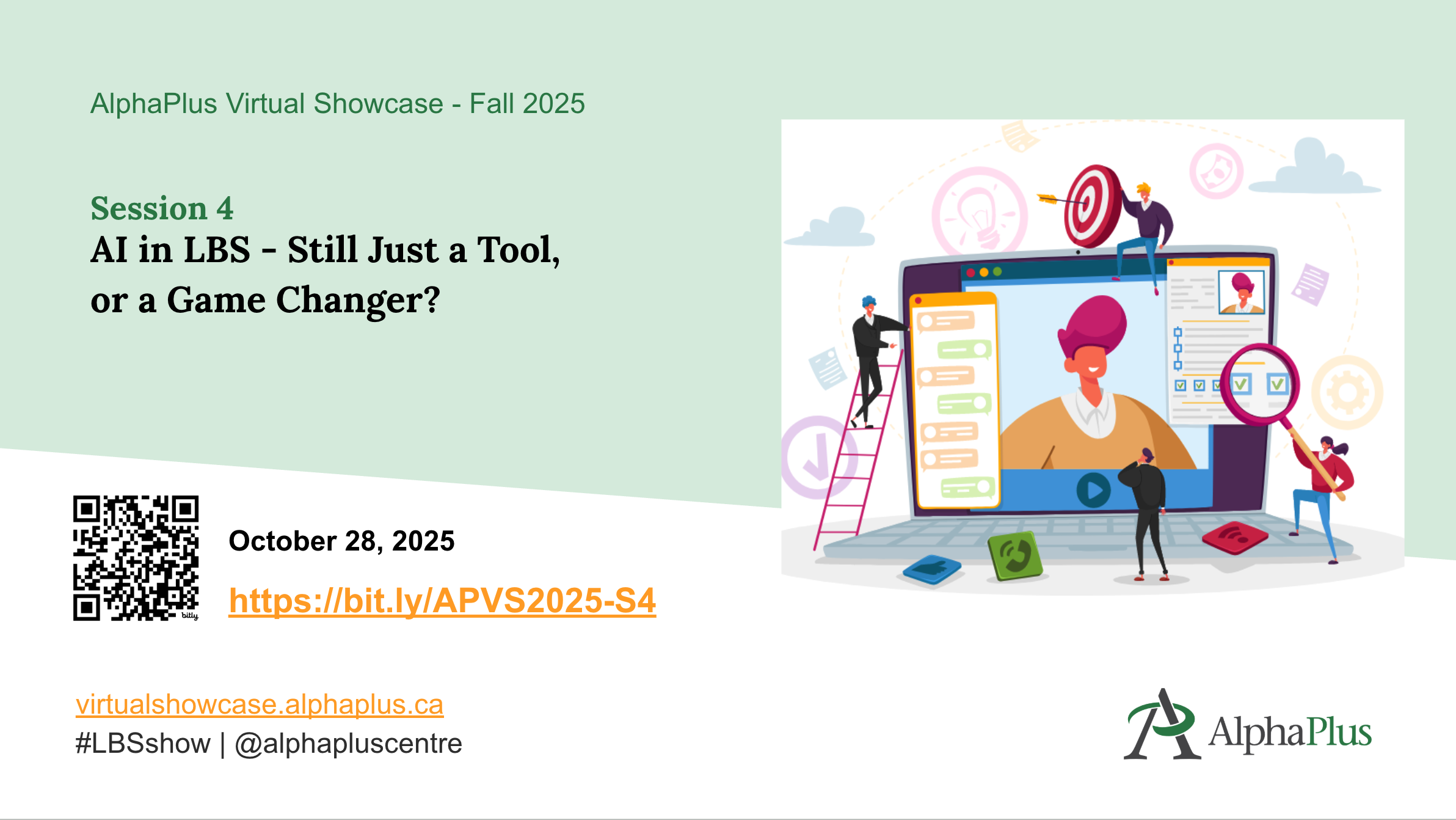
Delivered on Tuesday, October 28, 2025
Artificial Intelligence (AI) has evolved significantly since we first explored its potential in Literacy and Basic Skills (LBS) programs a year ago. With new tools emerging and existing ones becoming more sophisticated, the ways we use AI have also transformed. So, what’s happening now?
During the session, guests from the literacy community shared how they actively integrate AI into their programs. From prompt engineering to creating graphics and videos, to developing training materials, we dove into how AI is reshaping our work—and what that means for educators, staff, and learners alike.
ASL interpretation was be provided.
PRESENTATION SLIDES
VIDEO RECORDING
NOTE: VIDEO WITH ASL INTERPRETATION COMING SOON
ADDITIONAL RESOURCES
PRESENTERS
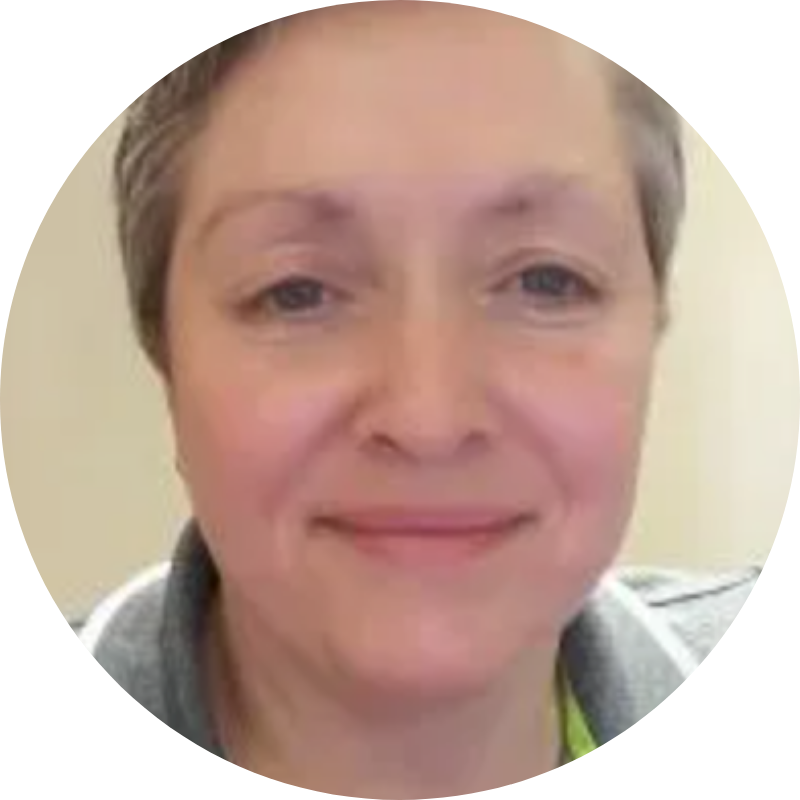
Lisa McArthur has been working as an adult educator since 2003 in a variety of capacities. They include, but are not limited to, being a certified educational skills assessor, a family literacy facilitator and certified Clear Writing consultant. Lisa has sat on a number of community advisory committees and has evaluated numerous literacy projects.

Ryan Pike is an adult literacy instructor who has taught at the Labour Education Centre in Toronto for 11 years. He also worked with Metro Toronto Movement for Literacy (MTML) on the Smartphones and Employment Skills project, helping to design learning tools that support adults using smartphones for work. He’s passionate about making technology feel less intimidating and more empowering for adult learners. Ryan enjoys experimenting with different digital tools and approaches to create engaging, interactive resources that make learning accessible and enjoyable for everyone.
Richard has dedicated 21 years to the Toronto District School Board, currently working at the Mimico Adult Centre. His work focuses on providing literacy education to adults seeking academic upgrading, as well as supporting individuals with special needs. Through instruction in English, math, and digital learning, Richard empowers learners to achieve greater independence and pursue their personal and educational goals
Explore the The Virtual Showcase Collection to see what happened in past sessions.
This session, delivered on September 23, 2025, focused on the latest features in Google Workspace. We explored Google Vids, learned about new building blocks in Docs and Slides, set up appointment schedules in Calendar, and dove into activity notifications, smart chips in Docs, disabling autosave in Forms, AI in Google Search, and more.
PRESENTATION SLIDES
VIDEO RECORDING
Delivered on Tuesday, September 30, 2025
The COVID-19 pandemic pushed many literacy programs to rapidly shift their lessons and training into online environments, sparking a surge in interest around Learning Management Systems (LMS). But where do we stand now?
During the session guests from the literacy community shared the tools and platforms that have helped them make their content accessible to learners, tutors, and staff, discussed what’s worked (and what hasn’t), and offered practical tips and insights for programs considering—or reconsidering—their digital strategy.
PRESENTATION SLIDES
VIDEO RECORDINGS
In English, Speaker view only.
With ASL interpretation
PRESENTERS

Randie is a Program Manager for Almaguin Adult Learning Centre (AALC), a community based LBS agency with 3 centres serving 17 small communities across the Almaguin Highlands. She joined AALC in 2010 as a literacy instructor and has been committed to life long learning and meeting learners where they are for the last 15 years.
Lisa McArthur has been working as an adult educator since 2003 in a variety of capacities. They include, but are not limited to, being a certified educational skills assessor, a family literacy facilitator and certified Clear Writing consultant. Lisa has sat on a number of community advisory committees and has evaluated numerous literacy projects.

Stephanie has been teaching in post-secondary and Academic Upgrading for close to 15 years. She has a Master of Science, a Bachelor of Education and is a member of the Ontario College of Teachers. She is an avid curriculum developer for online, hybrid and in person courses in all subject areas.

Lea Roque is a passionate educator and early adopter of technology, with a strong background in adult education, engineering design, and tech training. She specializes in designing engaging, learner-centered curriculum and has taught in LBS, post-secondary, and corporate settings. Known for her supportive approach and enthusiasm for digital skill-building, Lea thrives on helping learners reach their “Aha!” moments that spark confidence and curiosity.

Althea Balmes (she/ they) co-creates in person and digital projects at the intersection of visual storytelling, UX design and learner-centered education. Althea has a background in community adult literacy previously working at Parkdale Project Read and with West TO Collaborative, a collective of five different adult literacy organizations across Toronto west end providing tutor training program.
www.altheabalmes.com
Tina is the LBS Lead Instructor at Niagara Catholic District School Board. She is involved in classroom/hybrid teaching and administrative duties at St. Catharines & Niagara Falls locations.
Explore the The Virtual Showcase Collection to see what happened in past sessions.
Have you been thinking about offering test preparation for the new Canadian Adult Education Credential (CAEC)? Do you need help supporting learners as they prepare to take these tests? As we kick off the academic year, we have a new guide to help you.
In the spring of 2024, the Canadian Adult Education Credential (CAEC) was released. This new credential replaces the GED® for Canadian adults seeking a secondary equivalency. While the CAEC offers important and useful changes from the GED®, it requires significant teaching and background knowledge, and the transition to a digital platform has implications for both test-taking and literacy. Until now, little support has been available to build teachers’ knowledge so they can assist learners.
New guide available: Preparing for the Canadian Adult Education Credential (CAEC)
AlphaPlus is pleased to unveil a new, comprehensive guide to help you learn about the new CAEC and support adult learners. The guide includes teaching tips, curriculum planning outlines, lesson routines, and other resources. Here’s a glimpse of what you’ll find inside:
- Test overview to help you get familiar with the unique features, demands and requirements of the CAEC and how to effectively prepare learners.
- Subject overviews and teaching tips on each of the five CAEC test subjects: reading, writing, math, science and social studies.
- Templates, curriculum plans, and lesson routines to help you develop your own test preparation courses and workshops.
- Test readiness tools: To identify your learners’ skills and determine their readiness to take the CAEC tests.
Check out this brand-new guide and get up to speed with the digital, content, and cognitive complexity changes you will need to understand to support learners with the CAEC.
Additionally, please let us know your thoughts on the content of the guide so far and what you’d like to see added. We welcome your feedback! Complete the form to let us know what you’d like to see in the guide.