In this Lunch & Learn session, delivered on September 22, 2026, we focused on Gemini Canvas – Google’s workspace for creating and collaborating with AI. We explored how to generate and refine content, organize ideas, and create digital quizzes from your materials to review key concepts, strengthen retention, and support personalized learning for you and your learners.
PRESENTATION SLIDES
VIDEO RECORDING (coming soon)
Delivered on Tuesday, September 29, 2026
During this candid conversation on leveraging AI to transform Get SET programs, we explore the real-world strategies leaders use to bring their teams along, address staff concerns, and establish smart organizational policies.
From streamlining administration and automating workflows to customizing learner resources and boosting participant engagement, participants heard practical insights and received handy tips plus fresh ideas they could use right away.
PRESENTATION SLIDES
VIDEO RECORDING
Without ASL interpretation
With ASL interpretation
Q&A
Visit our Q&A document to review questions and answers brought up in the chat during the session.
PRESENTERS

Ambreen Ahmad is the Executive Director of Metro Toronto Movement for Literacy (MTML) and a leader in adult AI literacy. She has developed the AI Literacy Toolkit and AI Literacy Lab, created practical AI resource booklets for adult and emergent learners, and contributed to an AI podcast series that makes AI learning accessible, relevant, and community-focused.
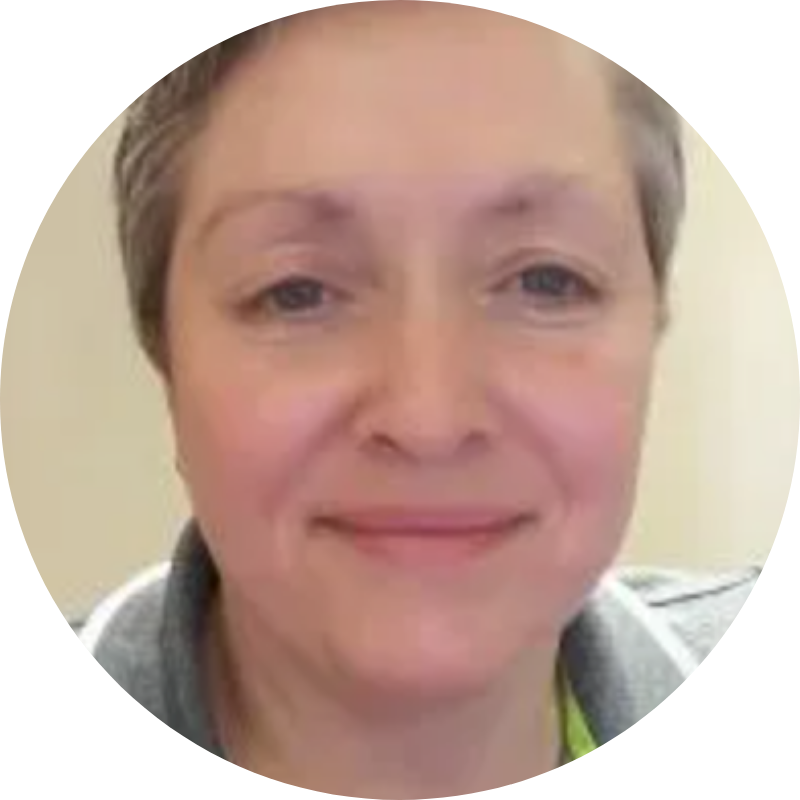
Lisa McArthur has been working as an adult educator since 2003 in a variety of capacities. They include, but are not limited to, being a certified educational skills assessor, a family literacy facilitator and certified Clear Writing consultant. Lisa has sat on a number of community advisory committees and has evaluated numerous literacy projects.

Kamran Ahmadpour is the Director of IT at PTP Adult Learning and Employment Programs, bringing a broad range of experience in technology operations management, digital transformation, and adult education, including teaching digital skills to adult literacy learners and delivering Academic Upgrading programs. His work brings together technology, education, and practical solutions, with a focus on using digital tools and, more recently, AI to support staff, improve organizational processes, and enhance learning experiences for adult learners.
Explore the The Virtual Showcase Collection to see what happened in past sessions.
Delivered on Tuesday, June 2, 2026
For adult literacy learners, financial literacy is about learning everyday money skills for work, family life, and the community.
During this session, guest presenters Jennifer, Janet and Audrey shared how they developed and delivered successful financial literacy programs in their community. Through real‑world examples and practical applications, participants explored what works, why it works, and how to adapt these approaches for their own context. Participants left with actionable tips and ready‑to‑use resources they could apply right away.
PRESENTATION SLIDES
Please note: Resources discussed and shared in the chat during the session have been added to the presentation (page 35).
VIDEO RECORDING
Video with ASL interpretation coming soon.
PRESENTERS

Jennifer began volunteering with the Midland Area Reading Council (MARC) in 2004, before it became the Gateway Centre for Learning. What started as volunteer work grew into a lasting commitment to the organization and its community. She has served as a Small Group Instructor, Student Tutor Coordinator, and Adult Program Coordinator, and now leads as Executive Director. For more than 20 years, Jennifer has championed Gateway’s mission with steady leadership and a strong belief in the power of learning. Outside of work, she enjoys gardening, cooking, reading, and yoga.
With over 30 years of experience in financial services and taxation, Janet has always been dedicated to supporting individuals and communities. She has served as a CVITP Tax Clinic Coordinator for over 20 years and held the role of Financial Literacy Project Manager at NWALC, where she developed various financial workshops. Janet is also an active member of the Niagara Financial Empowerment Network.

Audrey has worked with community organizations, unions, libraries and colleges to design and deliver adult literacy programs for over 25 years. She created a critical financial literacy course called ‘Me, My Phone and Money’ for the IBEW Local 353 Pathway Pre-Apprenticeship training program, which she has been teaching for the past three years. Audrey has a Ph.D. in Adult Education & Community Development from the University of Toronto.
Explore the The Virtual Showcase Collection to see what happened in past sessions.
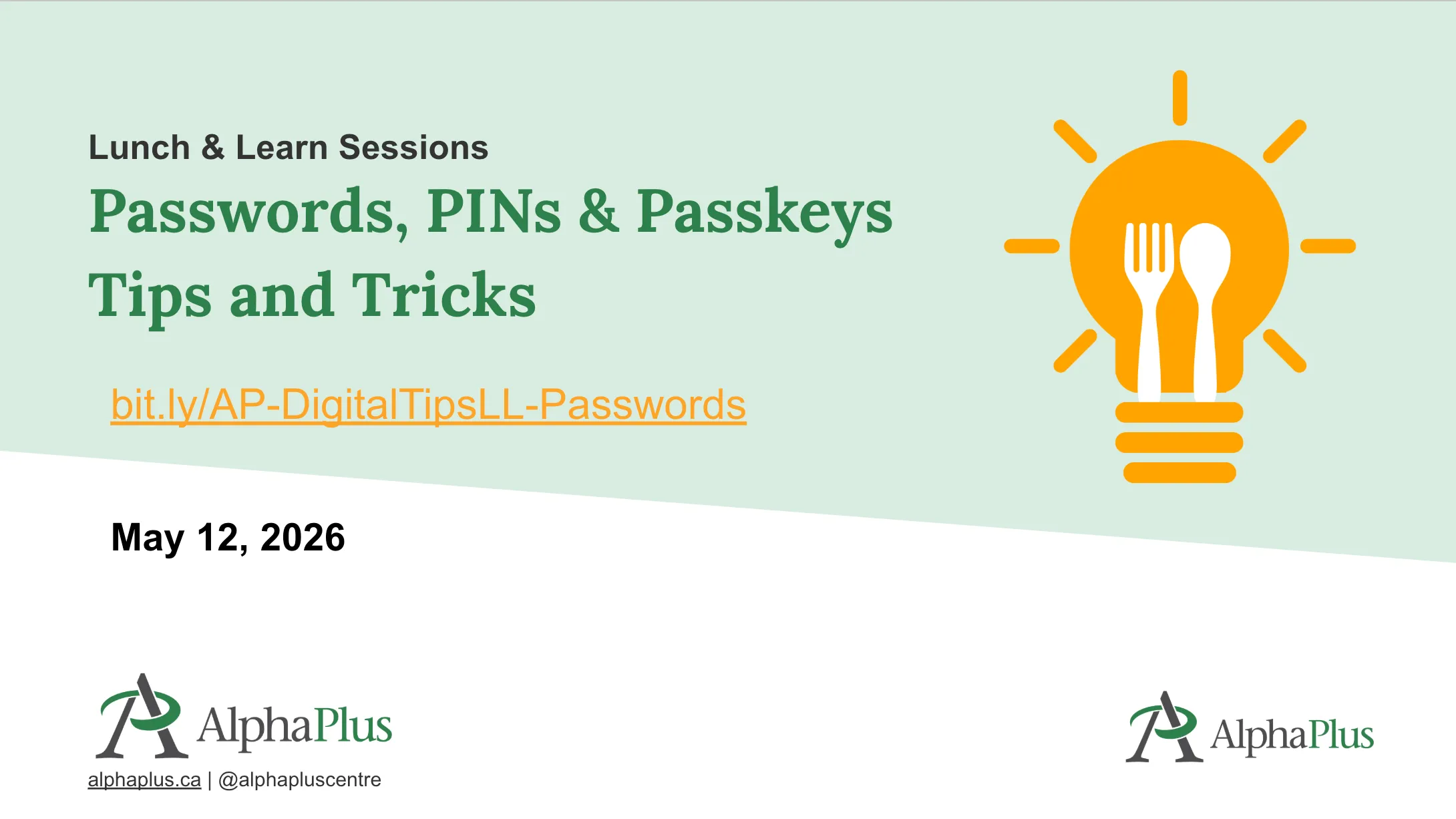
In this Lunch & Learn session, delivered on May 12, 2026, we focused on the essentials of modern sign‑in security in clear, everyday language. Whether you consider yourself tech‑comfortable or tech‑cautious, this session was designed to help you build stronger, safer digital habits.
PRESENTATION SLIDES
VIDEO RECORDING
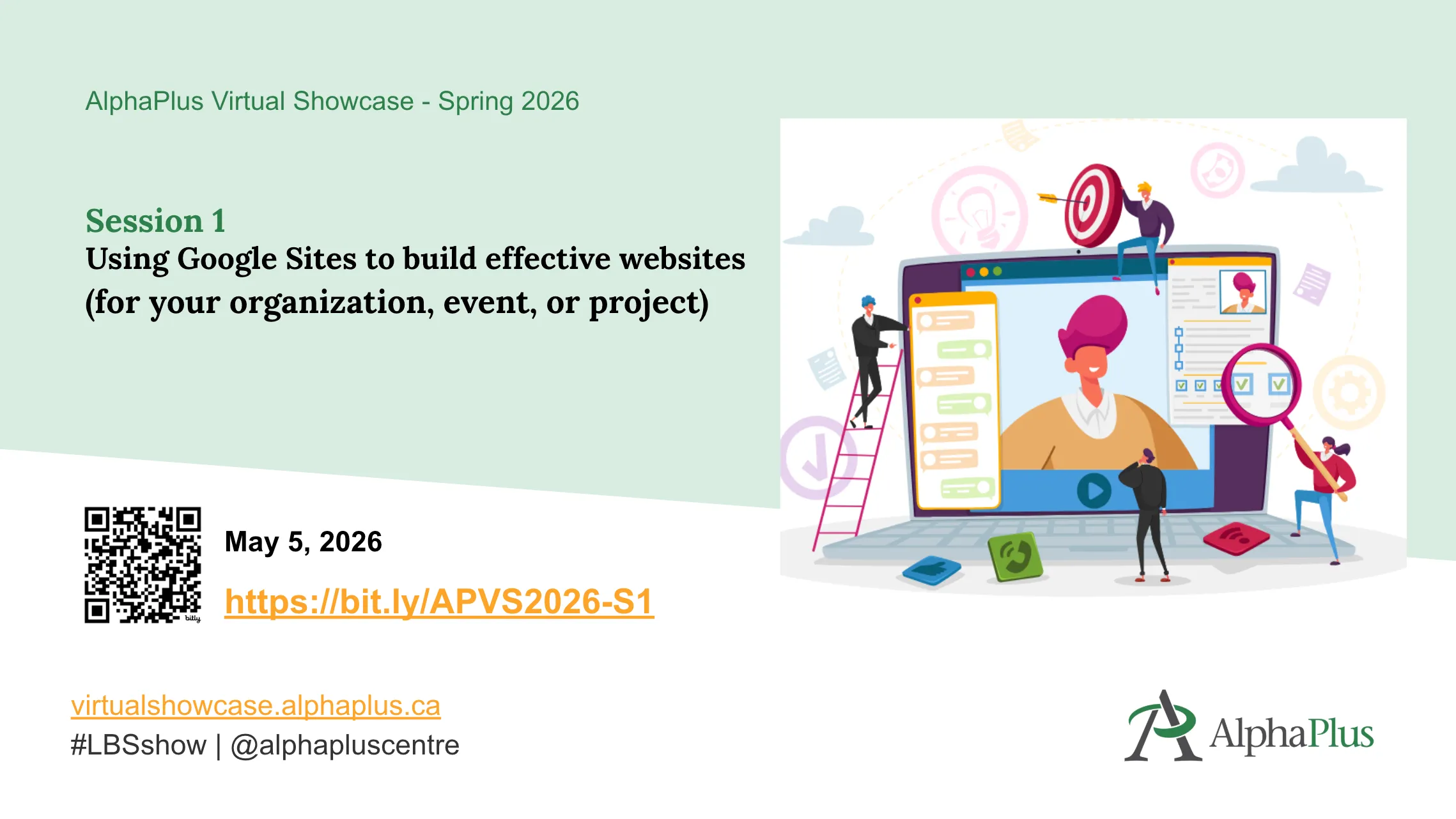
Delivered on Tuesday, May 5, 2026
Google Sites, included with both personal and organizational Gmail accounts, allows you to quickly create and edit web pages without coding or advanced technical skills required. During this session, guest presenters Kristi, Marissa, Brandy and Jordan shared how they used Google Sites to build their organizational, resource and event websites. Participants explored real-world examples and gained practical tips they could apply right away.
PRESENTATION SLIDES
VIDEO RECORDING
Video with ASL interpretation coming soon.
PRESENTERS

Brandy joined the literacy field after working in libraries for many years including Kingston Frontenac Public Library, Queen’s University Teacher Resource Centre and Brockville Public Library. Brandy is dedicated to social justice, equity, diversity and inclusion. She has received an Ally Award for her work with Brockville Pride and recognition from the Every Kid in Our Community committee as a Youth Asset Builder. She enjoys spending time with her family and cats, and reading is her sport.

Marissa made the move from nursing into education in 2018, where she found a passion for teaching science and math in the Get SET program and supporting learners on their path to post-secondary success. In August 2023, Marissa stepped into her role as Executive Director of the Network, where she continues to grow and support Get SET agencies and the Northeastern communities. With experience in both service delivery and leadership, Marissa truly enjoys helping providers navigate an ever-changing landscape. She calls Northern Ontario home, and outside of work, she is a proud mom of two who loves camping, hunting, fishing, and sneaking in a little travel whenever she can.

First and foremost, Kristi is a mom of 2 pretty awesome humans, and has a great husband who puts up with her and her shenanigans…secretly, I think he loves it too!! Kristi is the Executive Director of Atikokan Literacy Inc., which up until about 2 years ago consisted of only The Adult Learning Centre but now has The Gathering Place and The Once More Store under its umbrella! The centre is a space to cultivate wellness through arts, education, health and unity! She truly loves what she does and is excited to see what is coming!
Explore the The Virtual Showcase Collection to see what happened in past sessions.
In this Lunch & Learn session, delivered on April 7, 2026, we focused on Canva for Education, a platform that offers a wide range of activities, presentations, whiteboards, and courses one can use directly with learners. While full access is currently limited to school boards, many of Canva’s educational tools and templates are also available through nonprofit accounts.
PRESENTATION SLIDES

VIDEO RECORDING
In this Lunch & Learn session, delivered on February 10, 2026, we focused on setting up a free Google Business Profile so customers can find you on Google Search and Maps, exploring current social media trends, finding out whether hashtags still matter, and discovering tools for content creation and graphics management, and more.
PRESENTATION SLIDES

VIDEO RECORDING
In this Lunch & Learn session, delivered on January 6, 2026, we focused on new and innovative AI tools, advancements in assistants like ChatGPT, Copilot, and Gemini, tips on how to apply AI in your daily work, experimenting with prompts, and more.
PRESENTATION SLIDES

VIDEO RECORDING
This AlphaPlus Lunch & Learn session, delivered on November 4, 2025, focused on powerful tools in Microsoft 365. We explored Clipchamp, the integration of AI-powered Copilot across apps, transcribing and translations in Teams, Planner, and more.
PRESENTATION SLIDES

VIDEO RECORDING
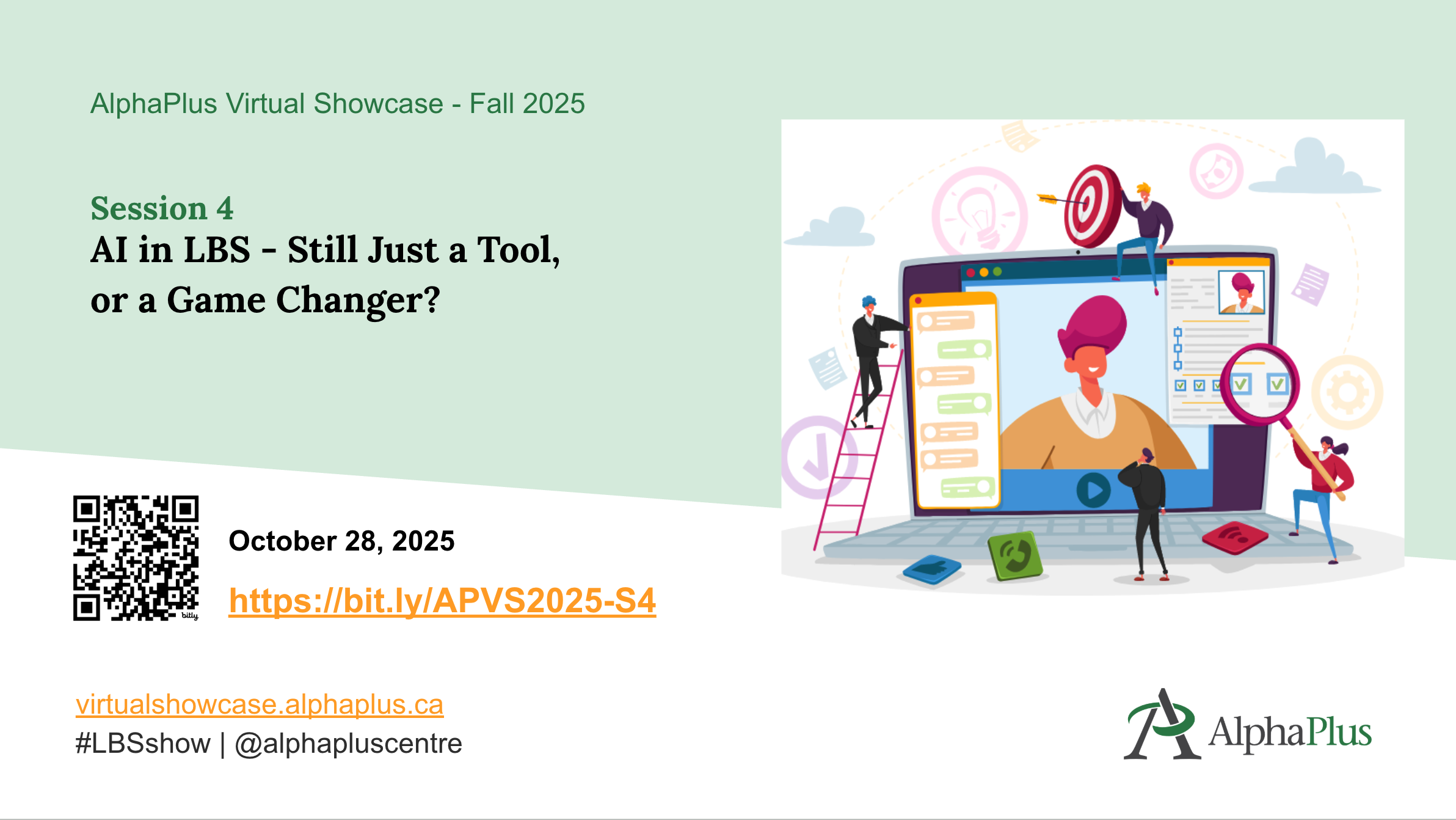
Delivered on Tuesday, October 28, 2025
Artificial Intelligence (AI) has evolved significantly since we first explored its potential in Literacy and Basic Skills (LBS) programs a year ago. With new tools emerging and existing ones becoming more sophisticated, the ways we use AI have also transformed. So, what’s happening now?
During the session, guests from the literacy community shared how they actively integrate AI into their programs. From prompt engineering to creating graphics and videos, to developing training materials, we dove into how AI is reshaping our work—and what that means for educators, staff, and learners alike.
ASL interpretation was be provided.
PRESENTATION SLIDES
VIDEO RECORDING
NOTE: VIDEO WITH ASL INTERPRETATION COMING SOON
ADDITIONAL RESOURCES
PRESENTERS
Lisa McArthur has been working as an adult educator since 2003 in a variety of capacities. They include, but are not limited to, being a certified educational skills assessor, a family literacy facilitator and certified Clear Writing consultant. Lisa has sat on a number of community advisory committees and has evaluated numerous literacy projects.

Ryan Pike is an adult literacy instructor who has taught at the Labour Education Centre in Toronto for 11 years. He also worked with Metro Toronto Movement for Literacy (MTML) on the Smartphones and Employment Skills project, helping to design learning tools that support adults using smartphones for work. He’s passionate about making technology feel less intimidating and more empowering for adult learners. Ryan enjoys experimenting with different digital tools and approaches to create engaging, interactive resources that make learning accessible and enjoyable for everyone.

Richard has dedicated 21 years to the Toronto District School Board, currently working at the Mimico Adult Centre. His work focuses on providing literacy education to adults seeking academic upgrading, as well as supporting individuals with special needs. Through instruction in English, math, and digital learning, Richard empowers learners to achieve greater independence and pursue their personal and educational goals
Explore the The Virtual Showcase Collection to see what happened in past sessions.