In this Lunch & Learn session, delivered on February 10, 2026, we focused on setting up a free Google Business Profile so customers can find you on Google Search and Maps, exploring current social media trends, finding out whether hashtags still matter, and discovering tools for content creation and graphics management, and more.
PRESENTATION SLIDES

VIDEO RECORDING
In this Lunch & Learn session, delivered on January 6, 2026, we focused on new and innovative AI tools, advancements in assistants like ChatGPT, Copilot, and Gemini, tips on how to apply AI in your daily work, experimenting with prompts, and more.
PRESENTATION SLIDES
VIDEO RECORDING
What is a personal learning network?
Personal Learning Networks are formal and informal networks of people with similar goals and interests who interact using digital tools to share information, learn from each other, problem solve and collaborate.
Personal Learning Networks are curated lifelong learning opportunities for professional development. They support practitioners who want to activate their intellectual curiosity in the company of others in a world of rapidly changing information.
Why do I need a personal learning network?
- Diversity matters: personal learning networks create space for a variety of experiences and perspectives and can help us find interesting ways to innovate in our practice.
- Teaching can be isolating: personal learning networks help educators to escape the isolation that can become part of the profession.
- Connect anytime, anywhere: a virtual personal learning network can help you overcome networking barriers related to time, place, and distance.
- Opportunities to reflect: online discussion forums, blogs, and courses can prompt you to reflect more regularly on your teaching practice.
- Finding information or support: as a seeker of information, your personal learning network can help you solve challenges, learn about how other practitioners are applying methodologies and resources, and find mentors who might not be available locally.
- Sharing your expertise and ideas: as a creator of information, you can help others by talking about your experiences, interesting experiments and what you are researching. Participating in virtual discussions, workshops and courses helps others get to know you and benefit from your professional wisdom.
How can I get started?
Here are some ways to get started building a personal learning network that meets your own specific needs.
Open the PDF

This resource from AlphaPlus was created by Tracey Mollins after a workshop series called Maximize your limited time for PD with a personal learning plan.
This AlphaPlus Lunch & Learn session, delivered on November 4, 2025, focused on powerful tools in Microsoft 365. We explored Clipchamp, the integration of AI-powered Copilot across apps, transcribing and translations in Teams, Planner, and more.
PRESENTATION SLIDES

VIDEO RECORDING
This session, delivered on September 23, 2025, focused on the latest features in Google Workspace. We explored Google Vids, learned about new building blocks in Docs and Slides, set up appointment schedules in Calendar, and dove into activity notifications, smart chips in Docs, disabling autosave in Forms, AI in Google Search, and more.
PRESENTATION SLIDES
VIDEO RECORDING
Have you been thinking about offering test preparation for the new Canadian Adult Education Credential (CAEC)? Do you need help supporting learners as they prepare to take these tests? As we kick off the academic year, we have a new guide to help you.
In the spring of 2024, the Canadian Adult Education Credential (CAEC) was released. This new credential replaces the GED® for Canadian adults seeking a secondary equivalency. While the CAEC offers important and useful changes from the GED®, it requires significant teaching and background knowledge, and the transition to a digital platform has implications for both test-taking and literacy. Until now, little support has been available to build teachers’ knowledge so they can assist learners.
New guide available: Preparing for the Canadian Adult Education Credential (CAEC)
AlphaPlus is pleased to unveil a new, comprehensive guide to help you learn about the new CAEC and support adult learners. The guide includes teaching tips, curriculum planning outlines, lesson routines, and other resources. Here’s a glimpse of what you’ll find inside:
- Test overview to help you get familiar with the unique features, demands and requirements of the CAEC and how to effectively prepare learners.
- Subject overviews and teaching tips on each of the five CAEC test subjects: reading, writing, math, science and social studies.
- Templates, curriculum plans, and lesson routines to help you develop your own test preparation courses and workshops.
- Test readiness tools: To identify your learners’ skills and determine their readiness to take the CAEC tests.
Check out this brand-new guide and get up to speed with the digital, content, and cognitive complexity changes you will need to understand to support learners with the CAEC.
Additionally, please let us know your thoughts on the content of the guide so far and what you’d like to see added. We welcome your feedback! Complete the form to let us know what you’d like to see in the guide.
This session, delivered on May 13, 2025, focused on how to create Canva designs from scratch—be it presentations, flyers, or social media posts, building your brand kit with preferred fonts and logos, inviting team members, sharing designs, and leveraging templates, AI tools, and advanced editing features such as background removal.
PRESENTATION SLIDES
VIDEO RECORDING
This session, delivered on April 8, 2025, focused on learning how to update your Zoom desktop client, use the AI companion, manage captions and transcripts, and explore features like reactions, spotlight, meeting timers, whiteboard, sharing layouts, settings, Zoom Apps, and more.
PRESENTATION SLIDES

VIDEO RECORDING
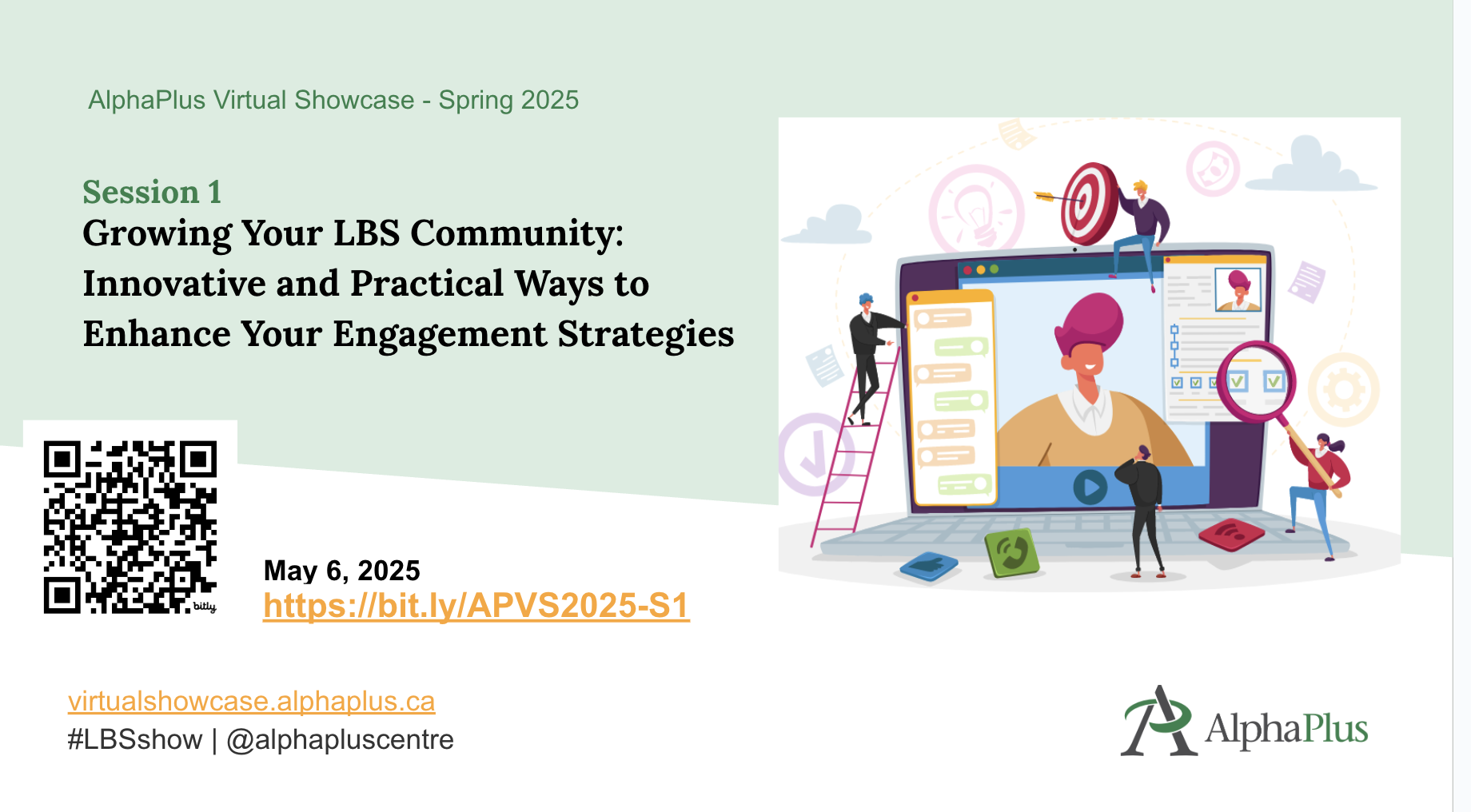
In today’s digital age, building and nurturing a vibrant community is essential for the success of our LBS programs.
In this Showcase, delivered on May 6, 2025, guests presenters from St. Albert Learning Centre in Sudbury and Metro Toronto Movement for Literacy, discussed how they leverage innovative marketing campaigns, podcasts, videos, and other engagement strategies to grow their client base and community connections.
They shared insightful tips and best practices that will help you create lasting connections with your clients and partners.
PRESENTATION SLIDES
VIDEO RECORDING
PRESENTERS

Ambreen has 20 years of experience in the education field. Possessing a Masters in English Literature and in Educational Planning and Management, she has maintained successful positions as a Vice Principal, English Language Instructor, Manager HR, Communication Executive and Literacy practitioner.
Currently, she is working as an Executive Director at Metro Toronto Movement for Literacy, a non-profit organization that supports adult literacy in Toronto and York Region. Her previous work experience and life-long learning certificates and diplomas bring a wealth of information to develop learning strategies, recruitment procedures and governance.
Her dedication and determination in helping individuals grow and develop are highlighted in all her professional achievements. She is also passionate about volunteering and has been an ardent volunteer in many non-profits across GTA. She loves to cook and paint in her free time.

Susan has been active in adult education since 1986 across a variety of roles and has developed a broad and deep understanding of the field. She has worked as a literacy and basic skills (LBS) assessor, instructor and LBS manager for the Toronto District School Board, and as an assessor and LBS instructor for the Toronto Catholic District School Board.
As a past Vice President on the board of directors, Susan helped the Metro Toronto Movement for Literacy dramatically improve its visibility and the services it provides to the adult education sector.
Susan has developed numerous LBS resources. These include learning resources for Community Legal Education Ontario and a comprehensive Zoom manual for adult educators that’s now being used across Toronto as well as other regions across the province. She has also trained more than 200 LBS, language instruction for newcomers to Canada (LINC) and English as a second language (ESL) instructors on how to use Zoom in the classroom.

Christina brings over 25 years of experience in education and currently serves on the Board of Directors for CESBA, the Ontario Association of Adult and Continuing Education School Board Administrators while also in her fourth year as principal of St. Albert Learning Centre in Sudbury, an adult and alternative education school that offers innovative, community-driven programming for learners of all ages.
Throughout her career, Christina has focused on Special Education and Experiential Learning, primarily as a consultant for the Sudbury Catholic District School Board. Her deep understanding of student needs and commitment to inclusive education inform her work in adult learning and literacy.
Christina’s entrepreneurial spirit has fueled the growth of a student-led business at St. Albert Learning Centre where learners earn secondary school credits while creating and selling handcrafted items. Profits support charitable projects through a parish partnership. This initiative recently earned first place and the national title of Canadian School of the Future in an Innovation Challenge, along with the prestigious Michael Monk Award for service-learning.
As we explore the use of AI in LBS, we need to consider the organizational aspects of it as well.
- Is your program open to staff/learners using AI?
- Have you discussed the ethical aspects of AI as a team?
- What’s allowed and what’s not?
- Do you have a written AI policy or guidelines in place?
- Have you talked to your learners about using AI when they complete lessons or assignments
- What do you expect from your staff/colleagues/learners when it comes to building prompts and referencing AI generated content/images?
In this Showcase, three guest presenters plus three AlphaPlus staff members (Alan, Guylaine and Tracey) discussed how they are integrating AI into their practice and how they are thinking about AI policies and guidelines for organizations and for classrooms.
Presenters

Jaclyne has been an instructor for nearly 10 years, with almost 7 of those years dedicated to Literacy and Basic Skills (LBS). During this time, she has taught various subjects including digital technology, employment, communication, and language skills (including ESL), mathematics, and more! Jaclyne is a Moodle LMS Lead, online mentor, and adult educator for Good Learning Anywhere (GLA) / Sioux Hudson Literacy Council (SHLC). In her LBS role, she is responsible for developing, administering, and teaching courses to adult learners throughout Ontario, particularly for northern and Indigenous communities.

As the technology lead for Contact North’s AI in Higher Education initiatives, Michael drives the integration of AI tools to enhance learning and teaching experiences for students and faculty. He oversees the design, development and management of web-based solutions for higher education at Contact North | Contact Nord, including the conceptualization and implementation of accessible, user-friendly online portals. With over a decade of high-impact private sector experience, he has successfully spearheaded digital, print, and e-commerce solutions across various industries, bringing a wealth of expertise in scalable web architecture to his current work in advancing online education through innovative technology solutions.

Rick Sleaver leads Contact North | Contact Nord’s internal and external marketing and communications functions.