We can use digital technology to support learner agency as they make choices over how, when and where to learn. As they expand their power over their own learning, learners will enhance their ability to make choices over the what and the why. Facilitators leverage digital technology and online learning to give learners flexibility over the rate and pace at which they learn.
Digitally-enhanced and online learning spaces provide learners with opportunities to make decisions about how to learn or how to demonstrate learning. Empowering learner voice and choice over what materials they access or how they complete assessments can increase learner autonomy in a way that is manageable for learners.
Digitally enhanced and online learning means learning can happen anywhere and at any time. Facilitators and learners can be in the same bricks-and-mortar spaces or at a distance from each other. Having access to online learning materials, especially environments that provide feedback, provides learners with choice over when to learn.
We can provide choice in simple ways by allowing learners agency over the pace, time and place of learning. We can create a doc with links, a full HyperDoc or something in between—depending on the needs of the learners and our own capacity for prep time—that gives learners agency over a learning pathway.
Being creative and finding engaging options for learners to explore and develop their own “personal sense of wonder” while learning inspires teachers and learners alike.

A HyperDoc is a digital document—such as a Google Doc—where all components of a learning cycle have been pulled together into one central hub. Within a single document, students are provided with hyperlinks to all of the resources they need to complete that learning cycle.
The Basic HyperDoc Lesson Plan Template from HyperDocs Templates for Getting Started nicely illustrates how a lesson cycle can be incorporated into a hyperdoc.
To help practitioners who are exploring the use of HyperDocs to enhance learner agency, AlphaPlus has a created a website dedicated to the creation and use of HyperDocs in adult literacy where you will find tips and examples.
On May 11, 2023 AlphaPlus hosted our eighth Community Gabfest.
The conversation starter was “What is your favourite blended learning resource? And why?”
We received a suggestion that the Gabfest may be a good place to share ideas for good resources, strategies and tools for blended learning— the kitchen-tested stuff that practitioners find useful and effective in a variety of settings.
We used a Jamboard to guide our conversation: Wayfinders Gabfest 8 Jamboard.
We started by brainstorming what we are looking for in resource recommendations – what elements are important to us.
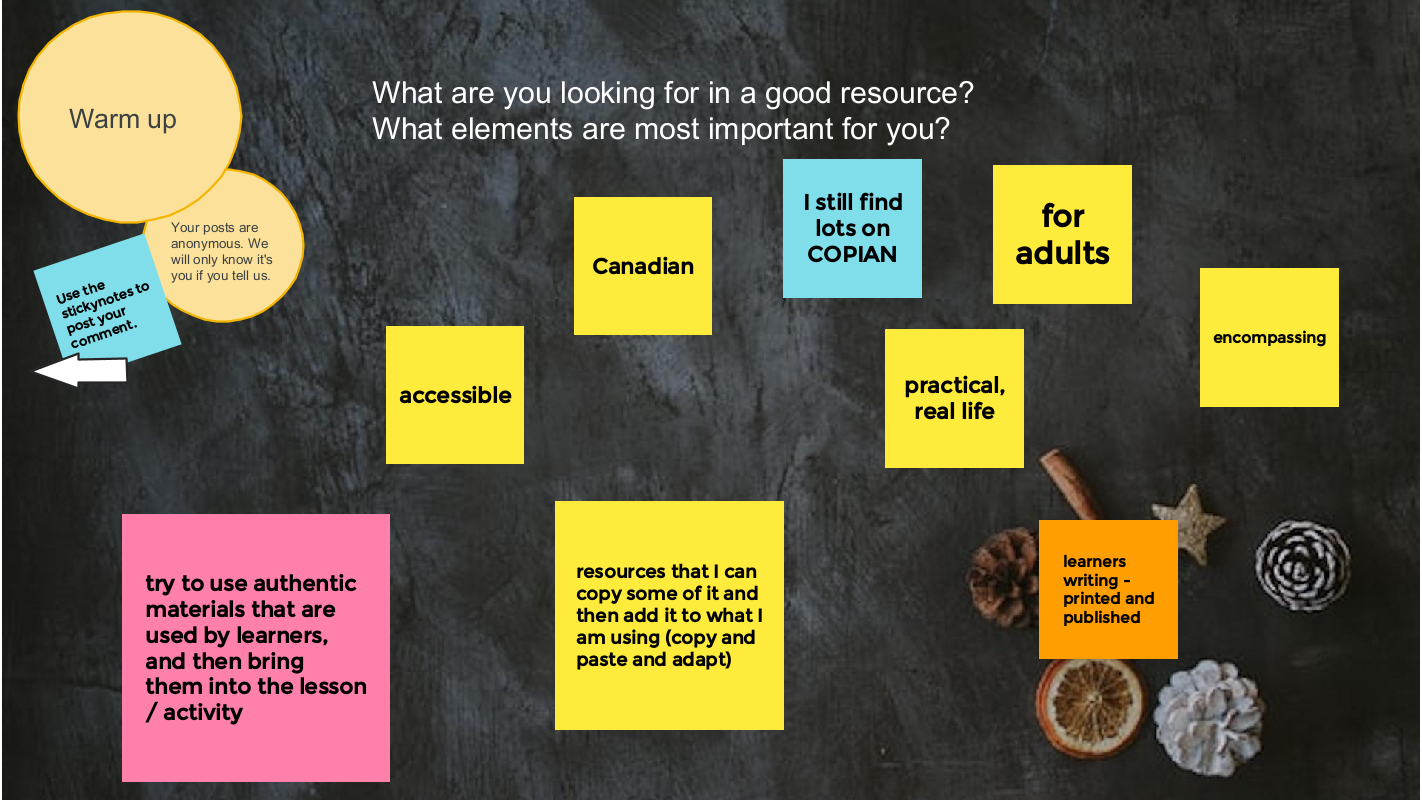
We asked three questions:
- What are your favourite blended learning (integrated digital and literacy skills) resources?
- What are your favourite digital skills (teaching people digital skills explicitly) resources?
- What are your favourite digital literacy (learning about ethics, privacy and safety) resources?
And here is the list we came up with:
Blended learning
- Copian is the newer name of what used to be called note the National Adult Literacy Database. There was funding in the 90s and into the 2000s for a national database of all the adult literacy resources from across the country. It is now taken care of by CDEACF (Centre de documentation sur l’éducation des adultes et la condition féminine).
- I was working with people who were considering going into the trades. I was using ABC Life Literacy’s UP Skills for Work. They had a section on confidence, but it seemed a little thin. So I went into Copian — there’s lots of writing by learners on Copian — and I found stories by learners, mostly from Atlantic Canada in the 2000s, talking about how they noticed their confidence had changed. We’re incorporating those stories into the activity. It is authentic material by people in adult learning environments. I find that finding learner writing is one of the most powerful ways, no matter what the topic is, to help people to reading or writing or even using it for digital skills.
- Free English News Lessons in 7 Levels – You can read or listen to the news and do activities at the level that works best for you. There is advertising on this site. It is mostly at the top of the page.
Citizen Literacy app (useful for learning disabilities/difficulties, uses a phonetic approach, can use the app on an Android or you can access the lessons on the website)
- I’ve started using this with a learner who’s been in our classes over the years but continues to struggle. She might have an undiagnosed learning disability. It’s fun and uses a phonetic approach, but not in a traditional way.
- The Citizen Literacy Learner web app* is free to use, does not require user registration, has no adverts, no in-app purchases and takes no personal information. Featuring a voice driven interface suitable for low literacy learners with two virtual teachers that provide instruction and instant personalised feedback. It keeps track of each learner’s progress anonymously to provide feedback. Importantly, the design avoids looking like a children’s learning resource – a strongly demotivating factor for older learners. There is multimedia interactivity and gameplay, together with voice and handwriting recognition. Enabling some of the first online independent learning opportunities for low literacy learners. From a standing start, by the end of lesson 2, learners are beginning to read and write simple sentences.
- This is a good tool to change up your intake screening passages for reading. It finds new leveled articles and can discourage dishonesty and sharing of reading passages.
- Google Applied Digital Skills is a free online curriculum created by Google that combines real life skills with Google tools in self-paced, video-based lessons that are perfect for independent, hybrid or remote learning. From creating stories and recipes to researching and developing a topic or managing a budget, the curriculum engages learners in problem solving, critical thinking, and hands-on opportunities to develop skills and knowledge. Applied Digital Skills lessons are similar to real world projects and tasks that learners may encounter at work, in their daily lives and in educational settings .
Teach Online from Contact North
- TeachOnline is a place to find resources about the latest trends, best practices, training opportunities, and teaching resources in online and distance learning under the following categories:
- Pockets of Innovation
- Tools and Trends
- Training and Resources
- Upcoming Conferences
- Webinar Series
Linkedin Learning and Gale Learning
- LinkedIn Learning and Gale are online learning providers. LinkedIn Learning provides video courses taught by industry experts in software, creative, and business skills. Gale eLearning solutions provide teachers, students, and adult learners with online learning resources that include 3D virtual learning; elementary, middle, and high school databases; career training; professional development opportunities; and interactive, industry-specific courses taught by world-class instructors.
- You can access these courses and resources for free in some public libraries.
Virtual reality (e.g. Body swaps – Soft Skills simulations): through Contact North centres, literacy programs can use these tools at no cost
- We have a forklift simulator training and hazardous response. We have access to a program called Body Swaps, which is soft skills, so interviewing, preparation, public speaking, dealing with biases. It puts the person in a virtual reality. at first they are answering questions, but then it flips it and you’re hearing your own response and seeing what your avatar is doing. We’re currently working to look to see what we can find to be able to integrate VR more with LBS providers. We have a centre in Toronto and if you are in our centres using our equipment, there is no cost. We are looking to be able to do some more partnerships with community organizations and things like that.
Maps apps (various ways to use them)
- A learner that is in a senior’s program asked about it. We created a lesson about all the different starting points: for example, if someone sends a text with the address, you can tap on the address in the text. and it will open the maps app. I think the literacy part was helping learners understand that with digital devices there’s always more than one way to do the same thing–even though it’s a skills piece, I think the literacy part was thinking of it like a building with many doors and that you can go in in different ways to get the same information. I thought it was kind of interesting. I didn’t plan it. It just kind of happened in class.
Music streaming apps (Lyrics for reading, pronunciation and poetic writing)
- Music is such an easy and less intimidating way for people to engage in learning. It gets away from that grammatical imposition of schooling to learn how to write. You can you can pull up the lyrics on any song you know on apps like Apple Music or Spotify. You can play with a song, look at the lyrics and then try to write one verse of a song without worrying about sentence structure–you can get your words down and then move from there to writing a sentence to writing a short paragraph. Or you can create a poem about something and then create an opinion paragraph about why you think a certain way about the topic. You can do this online, digitally, or it can be in person, paper and pencil.
Podcasts (transcripts for vocabulary development, digital skills, reading skills)
- It is learner driven by the topics they are interested in. You can get the podcast on your phone, but by going to the websites you can get more information and some have transcripts of episodes that are good for vocabulary and pronunciation practice.
Digital skills
- This is a program by the Goodwill Community Foundation and Goodwill Industries of Eastern North Carolina. Everything at GCFLearnFree.org is free. There are 125 tutorials on a variety of topics. Most topics are about using digital technology. It is easy to get lost on this site – in a good way – by following links at the end of each tutorial.
- If learners prefer to learn using a tablet, Kindle or smartphone, there are apps available at https://www.gcflearnfree.org/mobileapps.
- There are teaching guides. Here is the technology one: https://www.gcflearnfree.org/gcfteacherguides/technology/1/ . The technology guide includes “eight learning plans you can follow and adapt for instruction in a classroom, with a small group, or with individuals.”
- Some of the tutorial sections are text heavy and some literacy learners may find it challenging to access the information. Some have a video as well as text and some are mostly video.
Fair chance learning (Achievia – Microsoft apps training)
- This is a a government funded program that provides certificates in Microsoft Excel, Word, PowerPoint and QuickBooks.
- I like North Star for assessments. Northstar Digital Literacy tests your computer skills. You can build skills in key areas, and demonstrate your knowledge by earning certificates and badges. Northstar is a program of Literacy Minnesota. You can do free assessments. Under the Build Your Skills there are some free learning modules for Basic Computer Skills; Email; and Microsoft Word.
- Activities from the following list of Digital Skills sites (and more) are also accessible through the Digital Skills Library where they have been indexed and are searchable.
Media literacy
- On this site you can see a film about how the achievements of women in sports go unrecognized in best-of-lists and elsewhere and then submit your own corrections. The project began with a girl searching the internet looking for the greatest sportswomen in the world. Her searches revealed many of the greatest male athletes in the world and all of their achievements, but very few women. She was then shocked to discover that when she did search for the achievements of the greatest sportswomen, many of them were superior to the men she was being served in her search results. It turns out, Christine Sinclair has scored more goals in international football than Cristiano Ronaldo. The Black Ferns have won more Rugby World Cups than the All Blacks. And the USA Women’s Basketball Team has won more than double the world cup titles of any men’s team. The facts say that many of the world’s greatest athletes are women, but the internet keeps saying they are men. The reason for this is simple – the algorithms our search engines use are trained on our human behaviour. And now, the internet has learnt our human bias towards men. It’s a problem we created, but one we have the power to fix.
- Whenever you use the Internet, you leave a record of the websites you visit, along with each and every thing you click. To track this information, many websites save a small piece of data—known as a cookie—to your web browser. In addition to cookies, many websites can use your user accounts to track browsing activity. While this type of browser tracking doesn’t pose a serious risk to your online security, it’s important to understand how your online data is tracked and used.
Informable app from the News Literacy Project
- Test your news literacy know-how with Informable from the News Literacy Project – newslit.org/newslit-nation. You can try out three levels of difficulty in four distinct modes:
- Is it and ad or not?
- Is it news or opinion?
- Is this image evidence of the claim being made or not?
- Is the information checkable or not?
- The app is available for Android and iPhones and you can play as a guest.
CBC Gem Video – You are Soaking in It
- I asked learners to watch and answer questions about “pressure to purchase’ and ‘context marketing’
The video is no longer available on Gem. I cannot find it online anywhere so far. Here is the documentary webpage and press kit.
More recommended resource lists:
- The Educator Network Blended Learning Toolbox
- Curated lists
- Useful apps
- The Open Education Resource Library
- Curation strategies: Curating Resources in Adult Literacy
Thank you Gabfesters for your energy, generosity, wisdom and friendship. With your help, we won’t fall off the learning curve.
A Blended Learning Toolbox by and for Ontario literacy educators
As part of the Educator Network Blended Learning program, literacy practitioners share the resources that are most helpful in creating lessons and activities that engage learners and enhance and expand learning.
This is the collection from the Winter 2022 group.
These are the blended learning resources, activities and tools that practitioners have tested and are recommending. On some pages you will see their reviews or tips.
We start with an explanation of some of the terms we used and a link to a website about curating resources.
We have included an index. Some topics have several pages. If you open the PDF in a browser, you can use the back button to return to the index.
Use the link in the sidebar to open and download the collection.
On March 9, 2023 AlphaPlus hosted our sixth Community Gabfest.
The conversation starter was Lori Armstrong’s video The Personal Web.
Lori is a knowledgeable and inventive literacy instructor who currently works at the Thunder Bay Literacy Group and will soon be moving to the Lakehead Adult Education Centre (part of the public school board in Thunder Bay).
In the summer of 2022, Lori participated in the AlphaPlus Wayfinders Maker Space and created a video about the Personal Learning Web – a map of how Lori works with learners to identify the ways connection, relationships and power impact the whys and hows of learning for each of us differently and specifically.
We used a Jamboard to guide our conversation: Wayfinders Gabfest 6 Jamboard.
It was a lively and engaging discussion as usual.
We started by talking about the elements that create good learning. We then watched the first part of the video — the overview of the Personal Web — and moved to breakout rooms to discuss how the web resonated with us and our practice. One group made connections to the issue of digital justice.
We watched the second part of the video and stayed together to talk about how teachers dance with chaos and navigate the web of webs. We all found that the pace and flow of Lori’s video — her calm and encouraging tone — put us into an open-minded and meditative space.
Lori finished the session by walking us through some of the ways she has been expanding the personal web concept.
Lori shared a couple of examples of how she’s been extending her Personal Web reflections lately. She showed us how she
- mapped the Anishinaabe Seven Grandfather Teachings onto the Personal Web and
- explored the ways that ADD might be mapped and how the Personal Web can nurture a conversation about the specific ways different people with ADD can be supported as learners
- uses the personal web to work with groups of learners
The PDF linked below shows some concept mapping for the following:
- Page 1: Understanding / discussing Indigenous cultural values (the example here is the Anishinaabe 7 Grandfather Teachings, which I have worked with in a few of the local high schools and adult education programs for Indigenous students).
- Page 2 and 3: Understanding and supporting learners affected by ADHD. I have been researching this because it is such a prevalent condition among my learners and also in my family and community. I have also recently been gob smacked to discover that I am an ADD-affected person, as well.
- Page 4: A simplified think/plan tool that might be used by an individual to prioritize activities for a class, a day, or a week.

Thank you Lori for sparking this good conversation and for your generosity in sharing your research and insights with us.
Thank you all Gabfesters for your wisdom, experience, knowledge and, most of all, your fine collegiality.
We agree with this participant: “Brilliant!! Incredible learning, thank you so very much! Always a pleasure.”
On February 9, 2023 AlphaPlus hosted another in our series of Community Gabfests.
We started by asking people about where they like to learn best.
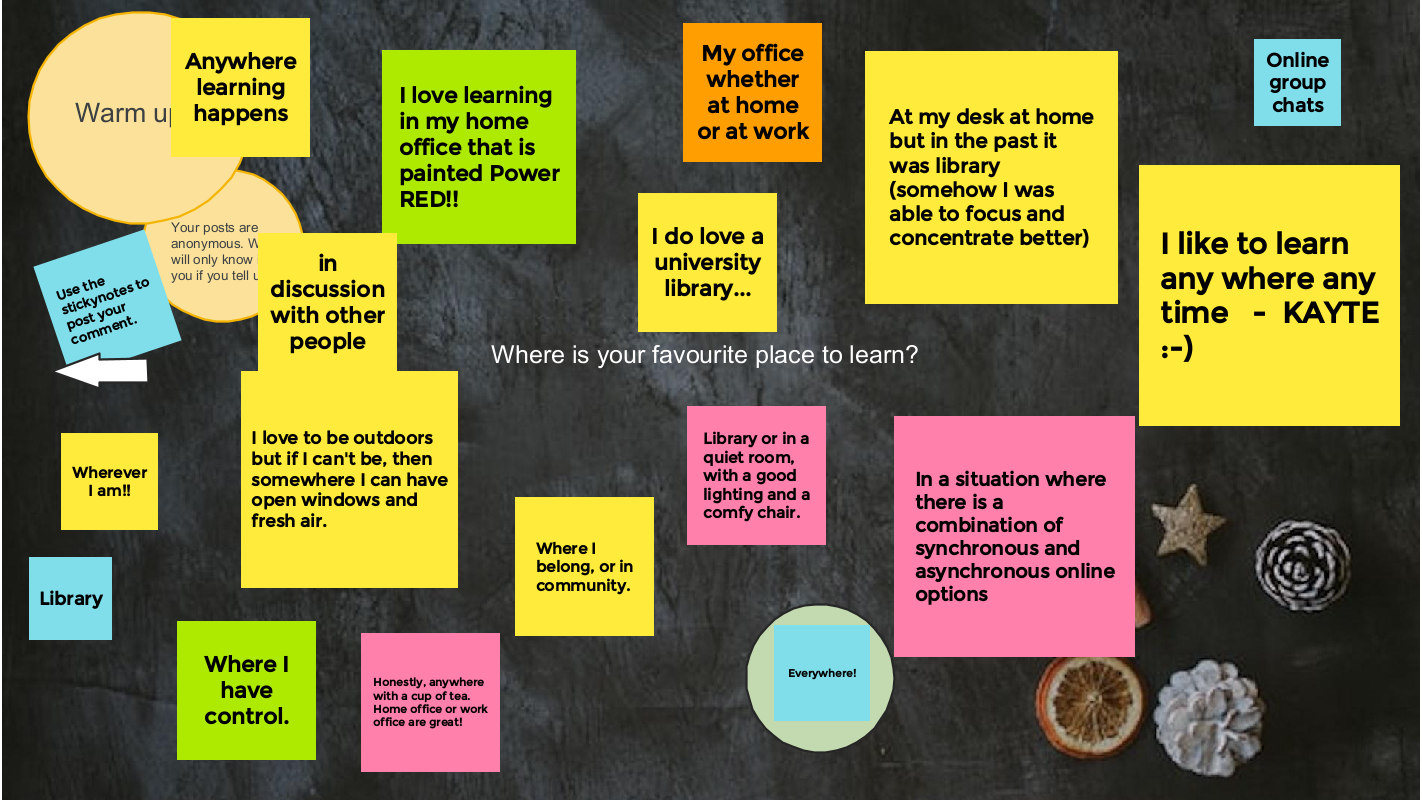
The conversation starter was: If there were no barriers to running a program, what program would you want to run?
We talked about
- If you had the freedom to create your ideal learning place, what would it be like?
- If learners had the freedom to create their ideal learning place, what would it be like?
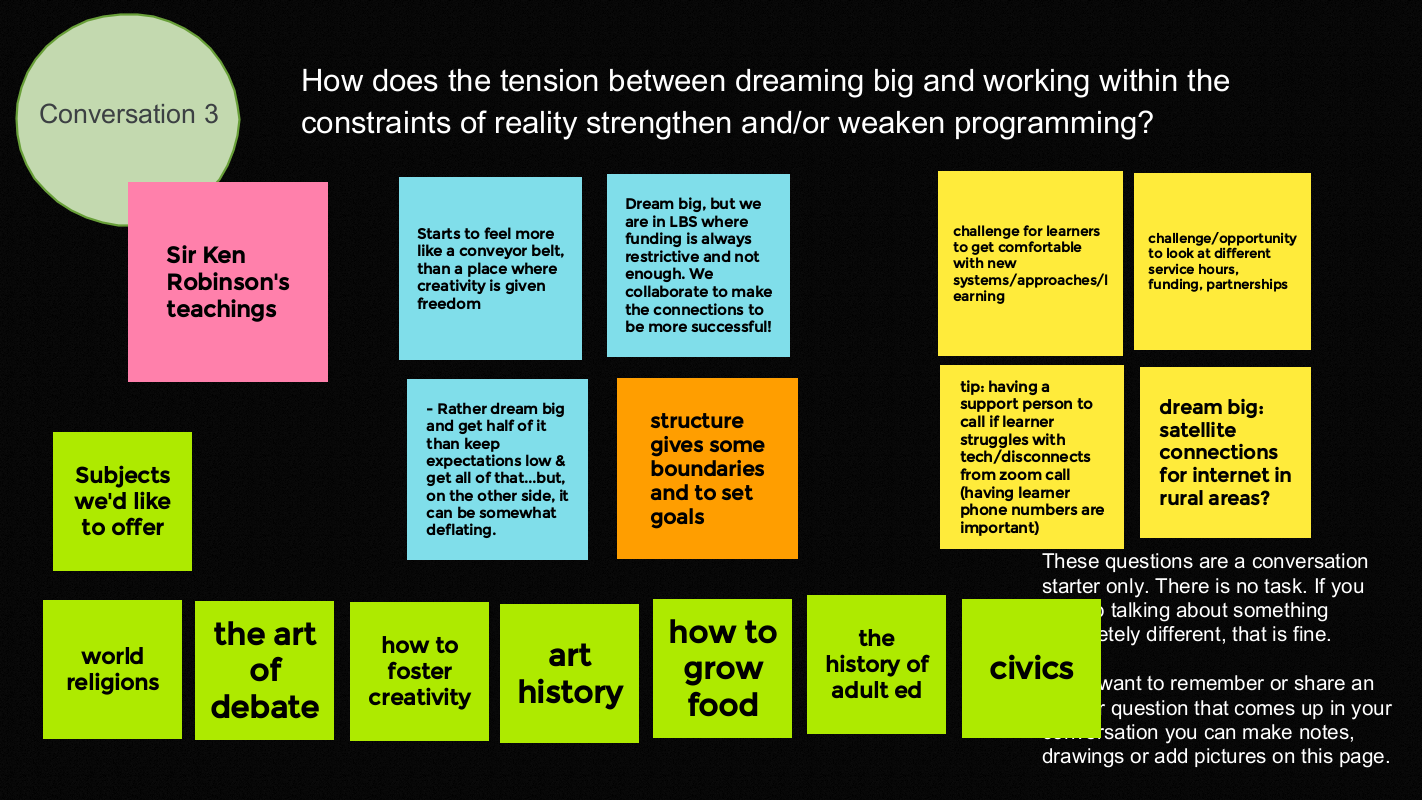
- How does the tension between dreaming big and working within the constraints of reality strengthen and/or weaken programming?
We moved into break out rooms to discuss the three questions.
Here is what the groups shared on the Jamboard.
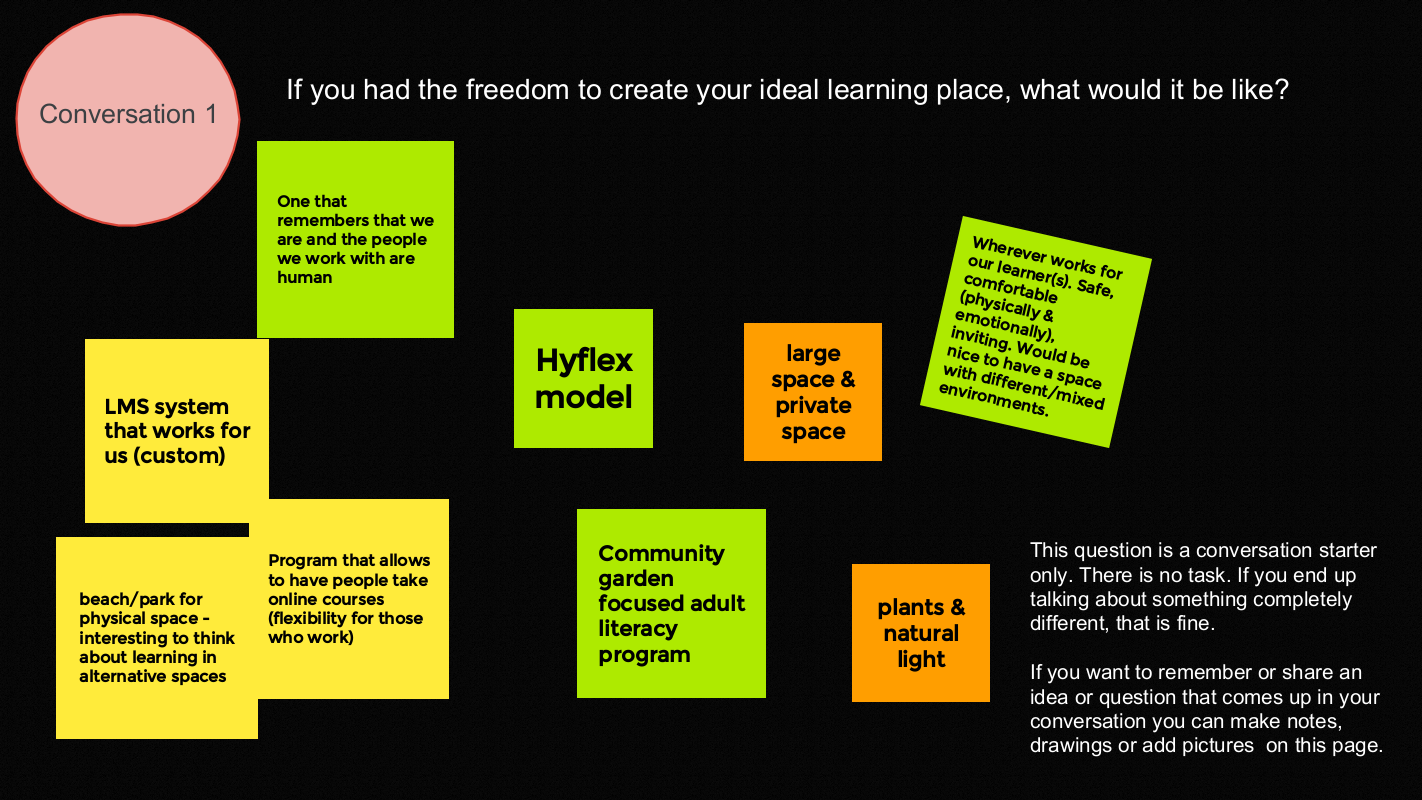
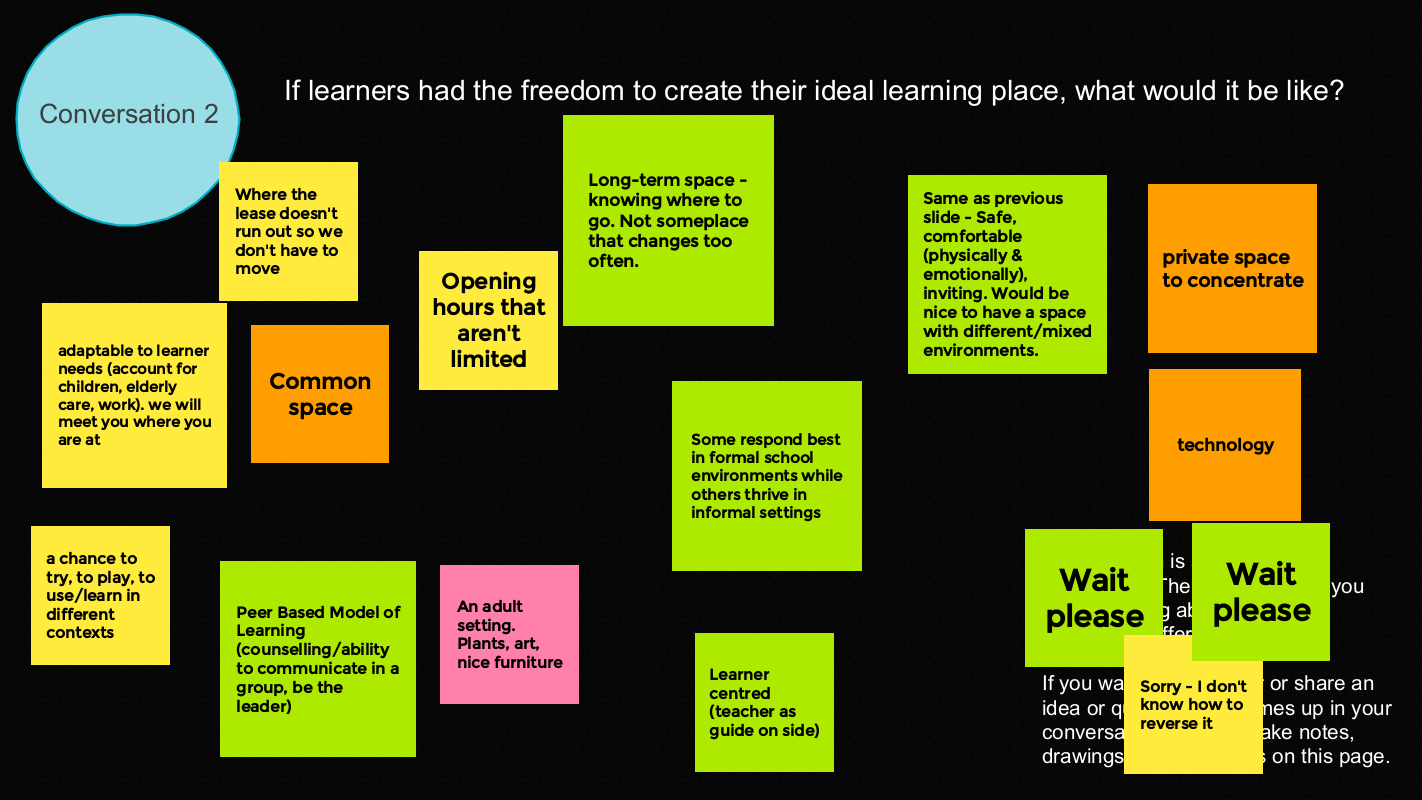
We wrapped up by thanking each other for their contributions and generosity.
- Amazing session everyone. Thank you for your ideas and support!
- What a creative group of problem solvers.
- The enthusiasm is encouraging and infectious.
- Being with people who understand what we do is invigorating.
- Has anyone suggested changing the name? The word ‘gab’ gives me a connotation of idle chitchat, which doesn’t reflect the inspiring conversations that occur. Maybe Community Conversations, or something…
On January 12, 2023 AlphaPlus hosted another in our series of Community Gabfests.
We started by asking people to share the things that they were proud of from 2022.
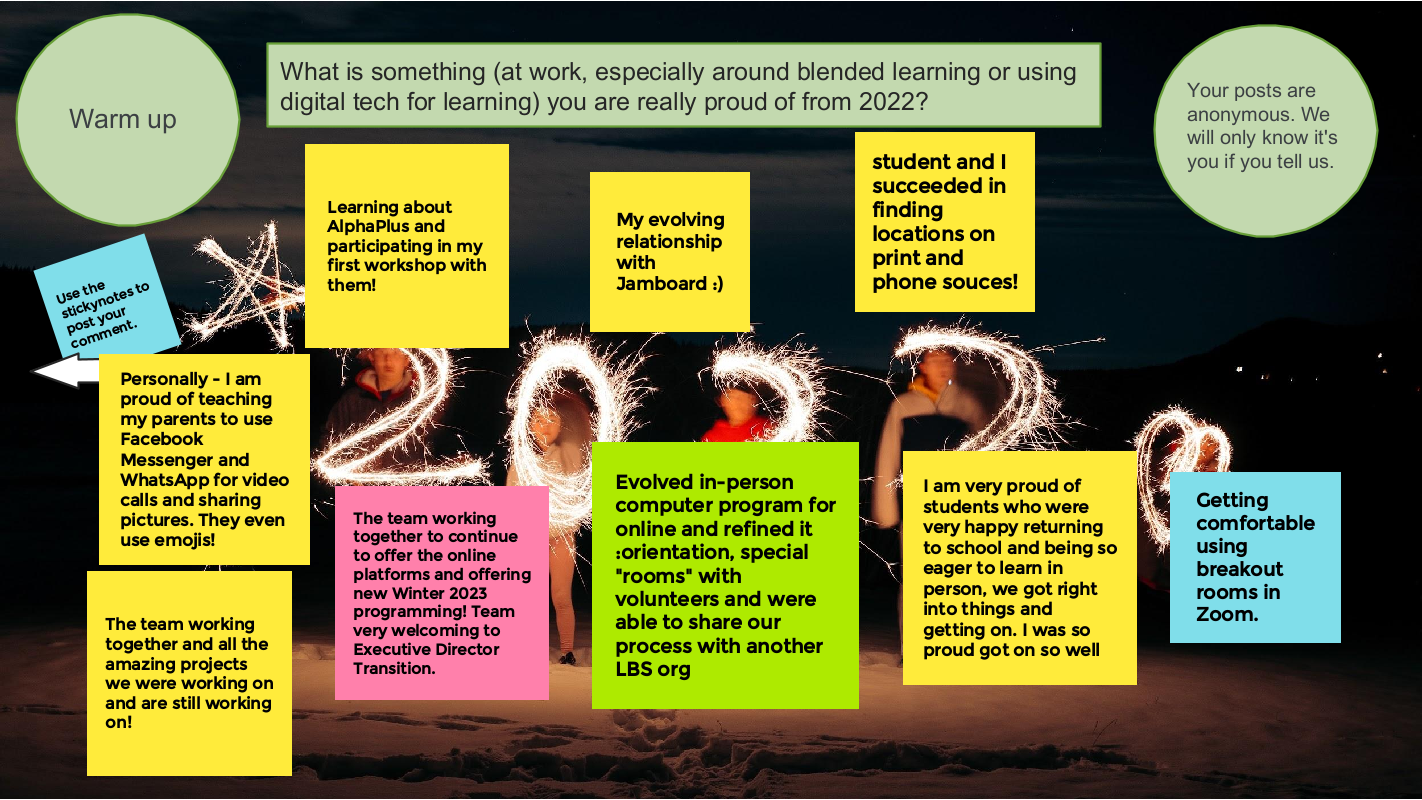
The conversation starter is: New Year’s Blended Learning *Aspirations
We talked about
- what is going well
- what we are proud of from 2022
- what we want to try next
- who / what could help us
*not Resolutions – the things that are still in dreams, wishes and ambitions phase of planning.
We had a an amazing conversation about
- what went well in 2022
- the specifics of what it means to start where learners are at when we include digital technology as part of that
- the challenges of supporting learners and reducing barriers to learning in the marketplace of apps and devices
- what educational technology we are using and how it is working
- we shared ideas about what technology we want to use and people in the group who were already using that technology shared their expertise
- Smartboards and hyflex and hybrid learning – where some learners are in the bricks-and-mortar classroom and some are connecting remotely – and how people are making it work
- bite-sized learning and byte-sized learning (examples: Skillswise and Rumie)
- the AMAZING Metro Toronto Movement for Literacy Smartphone project
- the changing definition of blended learning and how do we know we are doing it
- how to create independent learning modules, or bytes, in an emergent curriculum context and could H5P be part of the solution
- who used the Winter Break H5Ps in their class 🙂
It was inspiring and interesting.
We wrapped up by thanking each other for their contributions and generosity.
- It is amazing to work with people on their learning adventure!
- Thank you so very much everyone. Your inspiration is great!
- Thanks so much for sharing all your wonderful information
- Thank you for inspiring us!
- Thank you for the excellent ideas and resources!
On November 24, 2022 AlphaPlus hosted another in our series of Community Gabfests.
We started by asking people to share the things that people love about them.
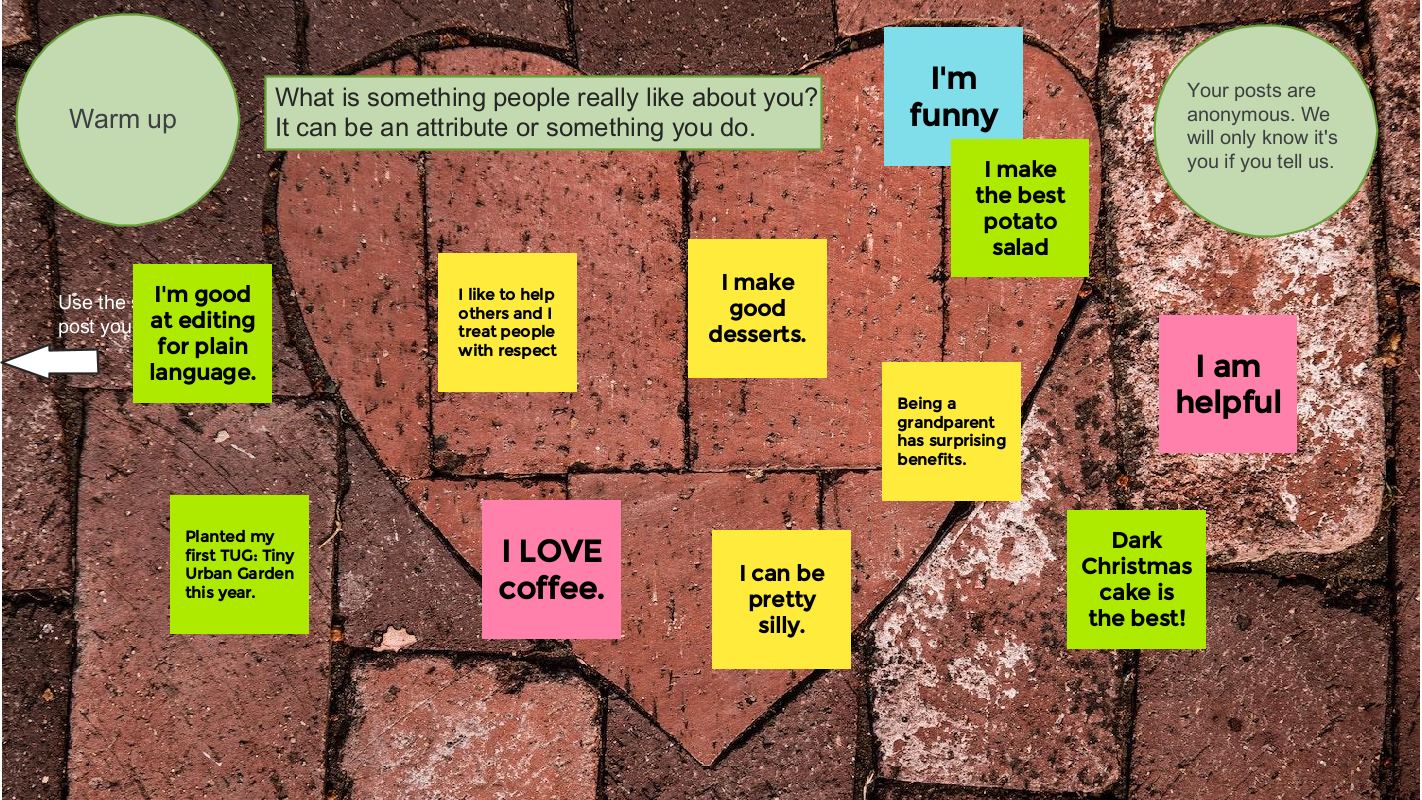
Our conversation starter was: Learner identity (and blended learning)
Here is what Wayfinder Evan Hoskins said:
Each learner has a connection to the past to be considered. All teachers know … every student comes to learning with a different backstory … and you have to know how to adapt your teaching methods quickly. For example, one day we’ll be talking to a learner about how they learn while dealing with anxiety. On another day we will have to talk about what happened in their world before they dropped out of high school in grade nine. What made them not feel comfortable on the computer? We as teachers learn how to help the learner work through that emotional pain in order to gain the confidence needed to learn how to use the computer, to get their fingers moving again.
What do you think? How do you navigate this terrain and support learners as they develop their learner identities and confidence?
We had a an amazing conversation about
- what we need to know about people so that they can thrive in literacy programs
- how working with learners is an iterative process of experimentation and discovery as literacy facilitators work to find the learning environments that work best for each participant
- the challenges of supporting learners and reducing barriers to learning while mapping boundaries and expectations
- the challenges of nurturing our own mental health and staying energized so we can do the work that we love
- how pandemic recovery is about more than economic opportunities and assessing where we are in terms of digital technology integration
It was a lot. And it was inspiring and validating.
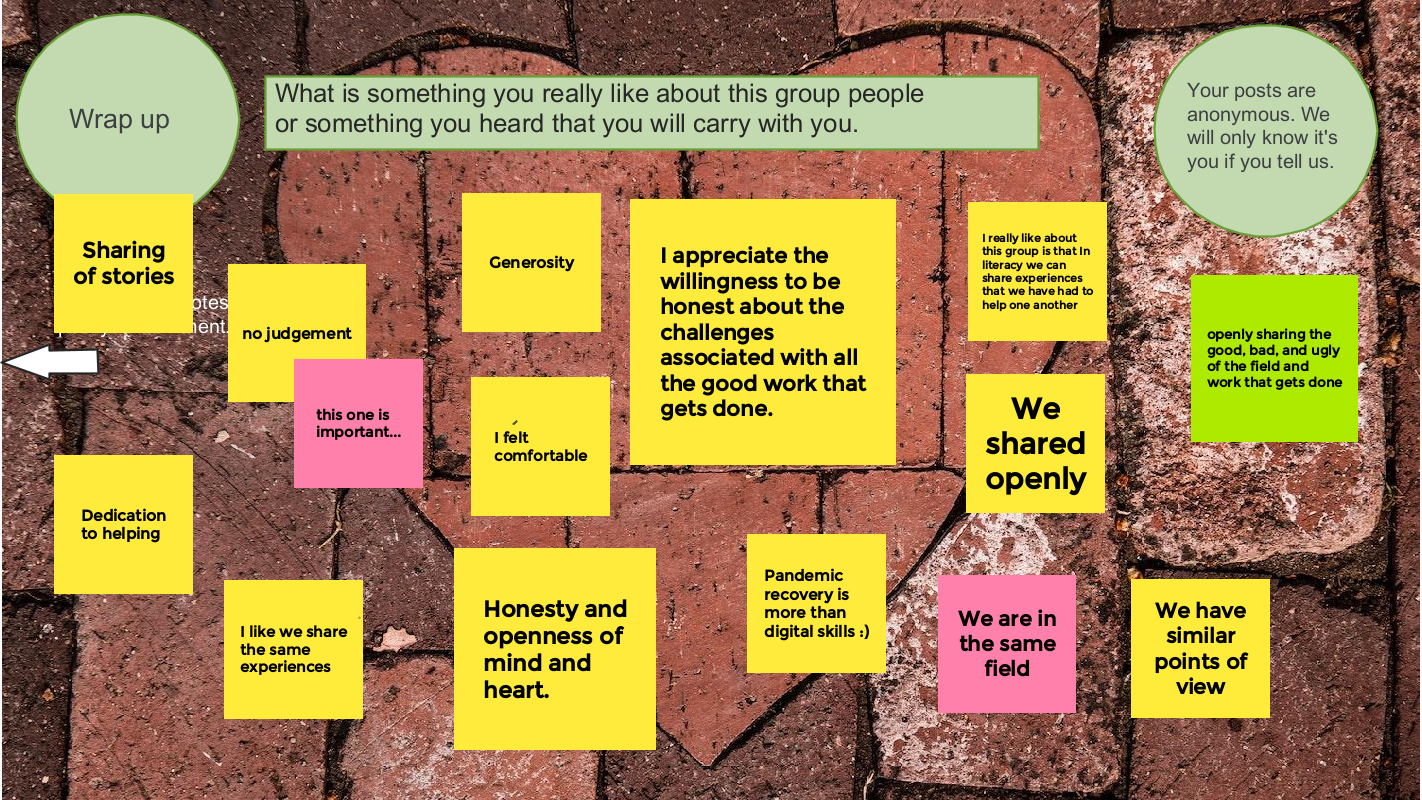
We wrapped up by thanking each other for their contributions and generosity.
Presenters from four programs share how they are expanding learning and accessibility with mobile devices and apps.
To learn about more Apps for education, check out our Useful Apps collection.
On October 27, 2022 AlphaPlus hosted our second Community Gabfest.
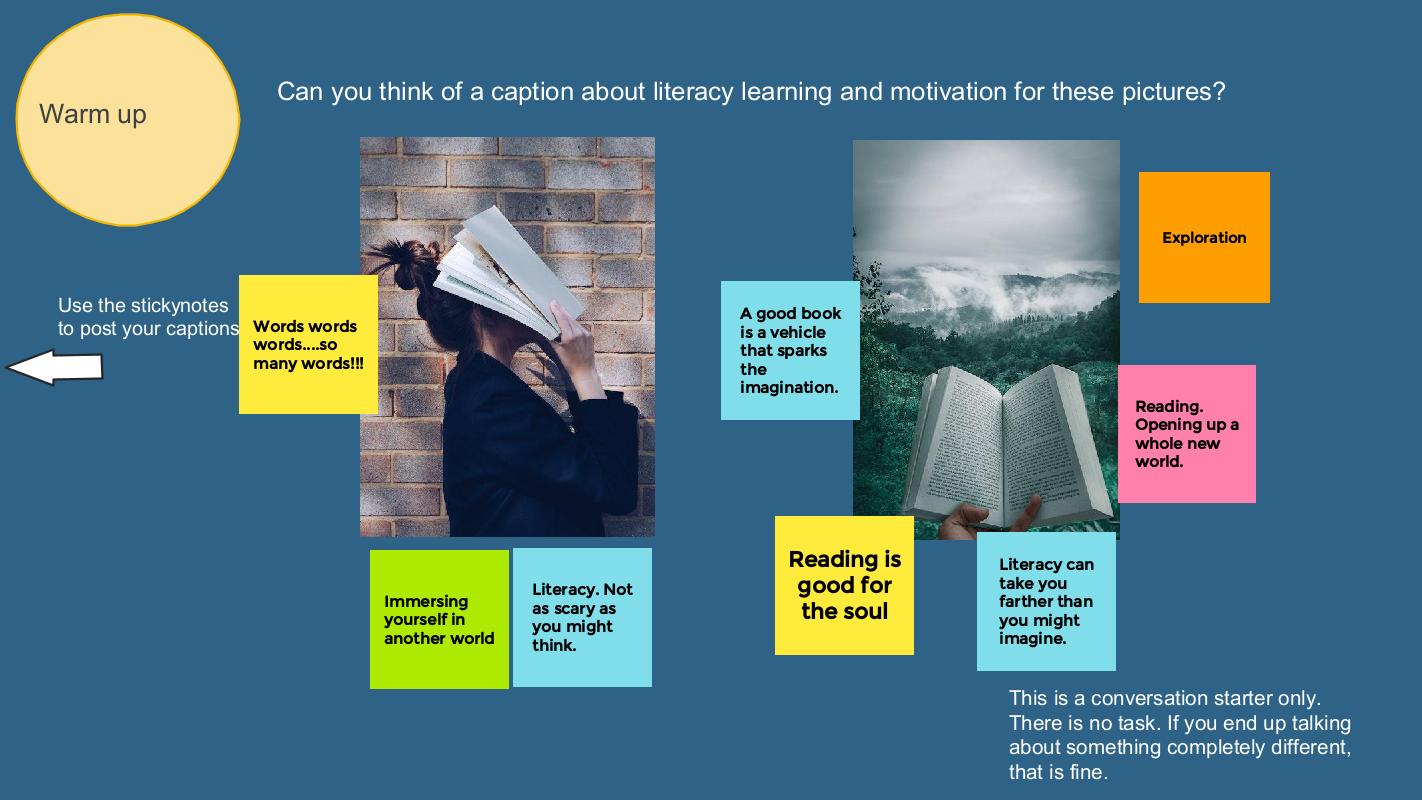
We asked the September participants to share their ideas for conversation starters. We got a great list. We decided to combine two ideas that we thought might go together.
The conversation starter for the October Gabfest is warm ups and motivation.
- What are some warm up ideas instructors use with their class?
- What techniques or approaches are people using to engage learners and keep them motivated on their educational journey?
We started with an Answer Garden warm up: What is your favourite thing about talking to literacy workers?
We used a Jamboard to guide our conversation: Wayfinders Gabfest 2 Jamboard.
More warm ups here: